The PvX Delta Check Library: Every Family of PvX Delta Checks, What It Watches, and How Often
Every family of PvX Delta checks: what each one watches, at what depth and how often, and the guide that explains how to diagnose what it finds.
PvX Delta checks are deterministic tests that run against your MMP and ad network data: the same input always produces the same result. There are 100+ of them, organized into families. Each family crosses a set of metrics (CPI, CPM, CTR, CVR, spend, impressions, installs, IPM, D1–D30 ROAS, D1–D14 retention) with one dimension of your account (the account as a whole, OS, geo, network, campaign, ad set, audience or creative) and one kind of comparison. This page is the public reference: what each family watches, at what depth, how often, and which guide explains how to diagnose what it finds. It deliberately leaves out thresholds, because the right threshold depends on your account's own variance.
In this library: Anatomy of a check · Gate · Account · OS · Geo · Network · Campaign and ad set · Audience · Creative · Prioritization · Not yet in the library
What is a PvX Delta check?
Every check has four parts:
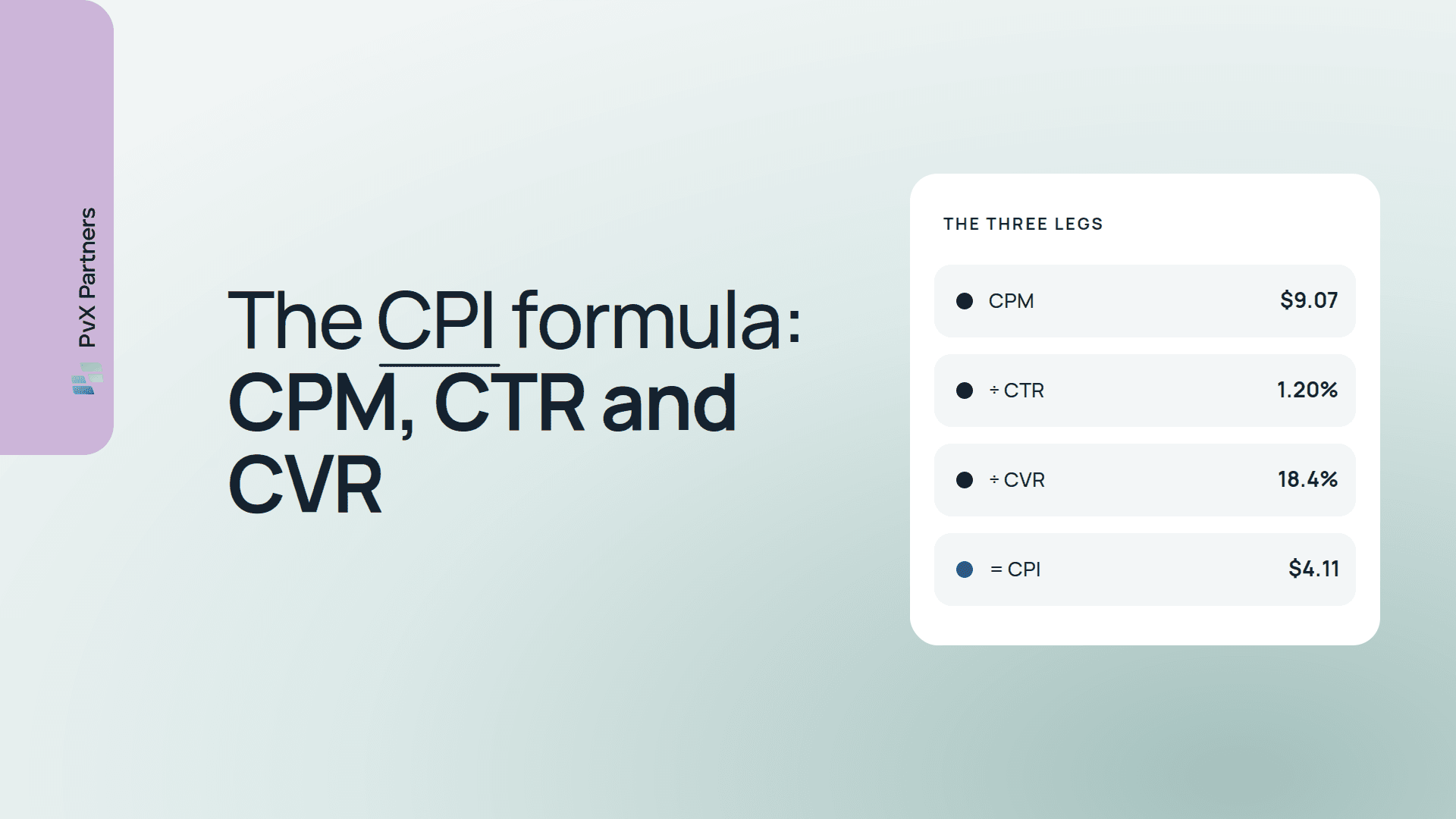
- A metric, defined exactly. CPI = spend ÷ installs. IPM = installs ÷ impressions × 1,000. Dx ROAS = cohort revenue through day X ÷ cohort spend, read from your MMP on matured cohorts.
- A dimension, the slice of the account it runs on.
- A comparison, one of four kinds: - Change in trend: the slice against its own baseline. - Vs norm: the slice against its peers in the same account. - Delivery: a specific delivery condition, such as a binding budget cap. - Ranking: creatives ranked against each other.
- The validity gate, which every slice must pass before any of the above runs.
Most families run daily. Cohort comparisons against norms, and most creative checks, run weekly, because cohort metrics need time to mature and are noisy at daily grain.
The validity and materiality gate (every run)
Runs before every other check, on every slice. It suppresses slices without enough volume to read a move, and slices too small to matter, then pools or rolls them up rather than dropping them. Guide: minimum sample size for UA decisions.
Account-level trends
- Watches: CPI, CPM, CTR, CVR, spend, impressions, installs and IPM, for the account as a whole.
- Cadence: daily. D1–D30 ROAS and D1–D14 retention: weekly.
- What it's for: the first read of the night. A move here is a symptom; the cause is found by the families below.
OS
- Watches: every delivery and cost metric plus D1–D30 ROAS and D1–D14 retention, for iOS and Android separately.
- Comparisons: change in trend (daily); ROAS and retention vs the blended norm (weekly).
- Why it's separate: the two operating systems run different auctions and different attribution. Each is judged against its own history.
- Guide: iOS vs Android divergence
Geo
- Watches: the same metric families for your top five countries by spend, by name, plus every other country pooled into one rest-of-world cluster.
- CTR, ROAS and retention vs norm per country (weekly);
- a weekly scan for rising countries outside the top five.
- Guides: rising geos, tier-2 and rest-of-world analysis
Network
- Watches: every delivery, cost and cohort metric for each ad network.
- Comparisons: change in trend (daily); ROAS and retention vs norm (weekly).
- What it's for: a move on every network is the market or your store. A move on one network is that network.
- Guide: network-level divergence
Campaign and ad set (ad group)
- Watches: every metric family for each campaign, and for each ad set or ad group inside it.
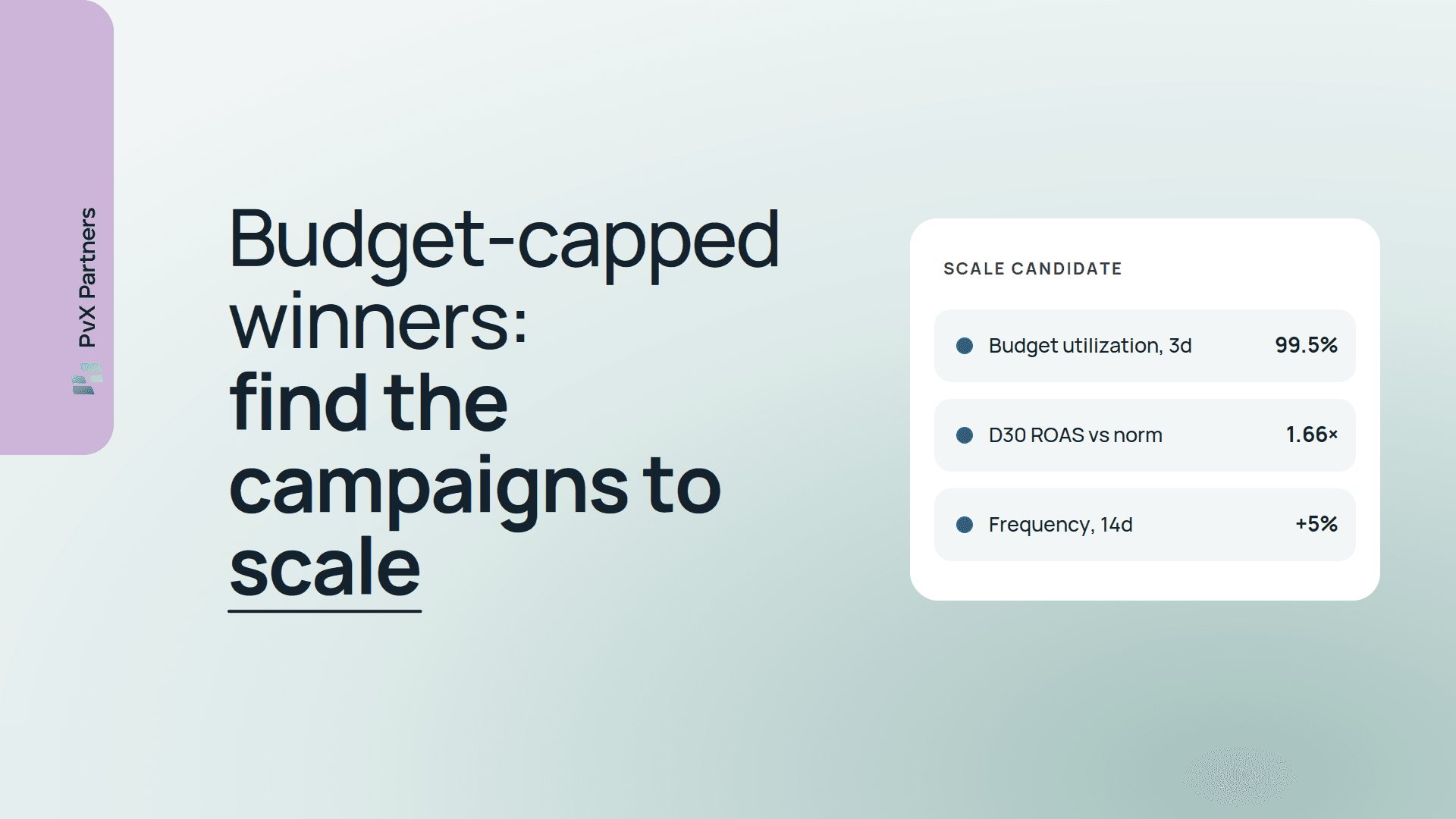
- Comparisons: change in trend (daily); CTR, CVR, ROAS and retention vs peer campaigns of the same role (weekly).
- What it's for: this is where most problems actually live. Blended campaign numbers hide ad set failures, especially under campaign-level budget optimization.
- Guides: ad set performance analysis, benchmark campaigns against the account norm
Audience
- Watches: every metric family by audience type (broad, lookalike, interest, retargeting).
- Source: audience type is parsed from your campaign naming convention.
- What it's for: comparing like with like across campaigns. It only works when names are machine-readable — see campaign naming conventions.
- Guide: audience performance analysis
Creative
- Rankings (weekly): top and worst creatives by IPM, CPI, CTR, CVR, spend, impressions, D7 retention and Dx ROAS, screened for thin cohorts and whales. Guide: top and worst creative ranking
- Fatigue (daily): CTR against each creative's own peak, creative age and IPM, with MMP ROAS as the tie-breaker. Guide: creative fatigue detection
- Concentration (weekly): the top creative's share of spend and of installs. Guide: creative concentration risk
- Concept and art style (weekly): every metric family rolled up by concept, parsed from creative names. Guide: creative concept and art style
- Cross-cut (weekly): each creative's metrics per country and per network, to find winners that never got tested in another market. Guide: creative performance by country and network
Prioritization (every run)
Not a check on your account but a check on the findings. Co-triggered flags are deduplicated to their deepest common cause. Data-integrity issues are moved to the top, and delivery findings are placed ahead of performance findings on the same entity. Everything else is ranked by spend at risk × size of the deviation × statistical confidence. Guide: spend at risk prioritization. How the stages fit together is in how PvX Delta works.
Not yet in the library
Some families are specified but not running, because the data isn't reliable enough yet:
- Placement analysis: Meta's API doesn't expose placement cleanly enough to run them at the same depth as the rest.
- Creative format (video, playable, static): format data is unavailable on Meta and only partly available on Google.
- Post-change impact review: measuring whether your last bid, budget or creative change worked.
They'll be added here when they run, not before. For the manual version of each, see placement performance, creative format performance and measuring the impact of campaign changes.
How the library relates to the checklist
The mobile UA audit checklist is the same structure written for humans: what to compute, how often, and how to diagnose it yourself. This library is the product-side view: which of those Delta runs for you, every night, across MMP and media data in one context. If you only automate part of it, 25 mobile UA checks every team should automate ranks where to start.
Run the whole library tonight.
PvX Delta is free and read-only.
Connect your data →
Sources
Related
- Deterministic checks vs anomaly detection